

Joplin is a versatile, open-source note-taking and to-do application that stands out among its peers for its commitment to privacy, security, and user control. Unlike proprietary alternatives like Notion and Evernote, Joplin ensures that your data remains your own, storing it in a simple SQLite database that you can easily manage and back up. Its end-to-end encryption makes sure your notes are accessible to only you, offering peace of mind that’s hard to match.
You can read more about Joplin at https://joplinapp.org/.
Joplin boasts a responsive and active development community, continually improving the app with new features while maintaining its core philosophy of user-centric design. If you’ve just upgraded from Ubuntu 22.04 LTS to 24.04 LTS and encountered issues running Joplin, fret not—this article will guide you through the troubleshooting steps to get Joplin running smoothly once again.
Here is what the error looks like that I received after running Joplin right after my Ubuntu 24.04 upgrade:
/opt/Joplin]
➤ /opt/Joplin/Joplin-3.0.15.appimage
[30826:1109/104247.252519:FATAL:setuid_sandbox_host.cc(158)] The SUID sandbox helper binary was found, but is not configured correctly. Rather than run without sandboxing I'm aborting now. You need to make sure that /tmp/.mount_JoplinemXjP9/chrome-sandbox is owned by root and has mode 4755.
Trace/breakpoint trap (core dumped)
Below is are some screenshots of my personal experience with this installation.
Running the installation script, it will download and install Joplin into a new location. However the new installation will still reference your existing Joplin notes database. The installer runs through the process as follows:
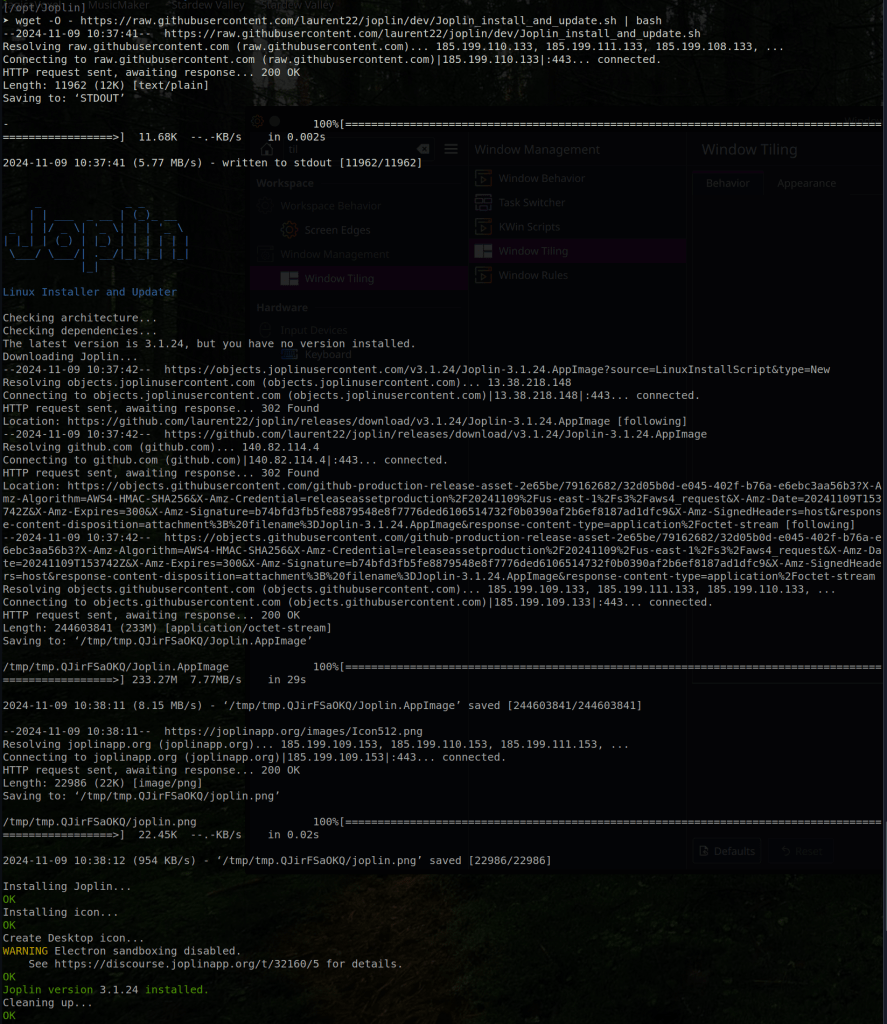
After the installation of the new Joplin version, you can compare the differences of their installation paths as follows if you are using KDE desktop:
Old Joplin installation:
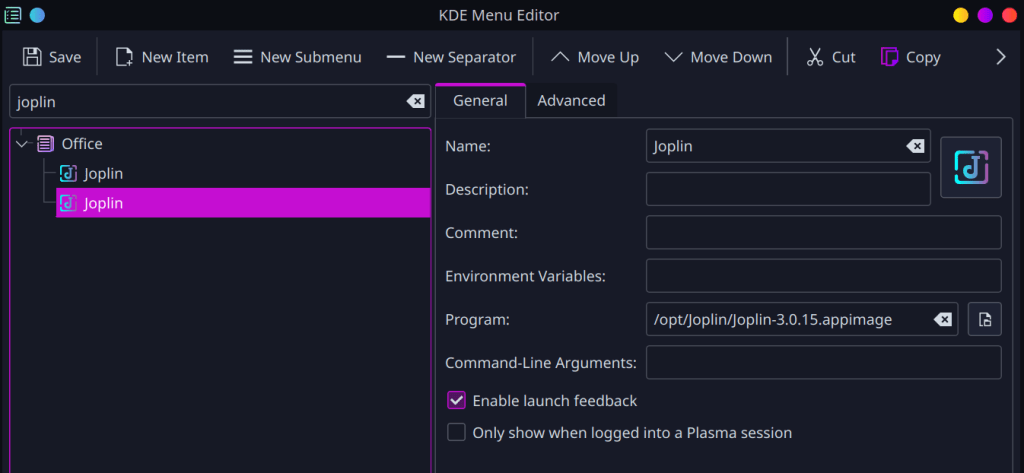
New Joplin Installation:

The installation of the newer version of Joplin seamless found my existing Joplin database, and allowed me to continue capturing my notes, including the some of the initial notes for this article:
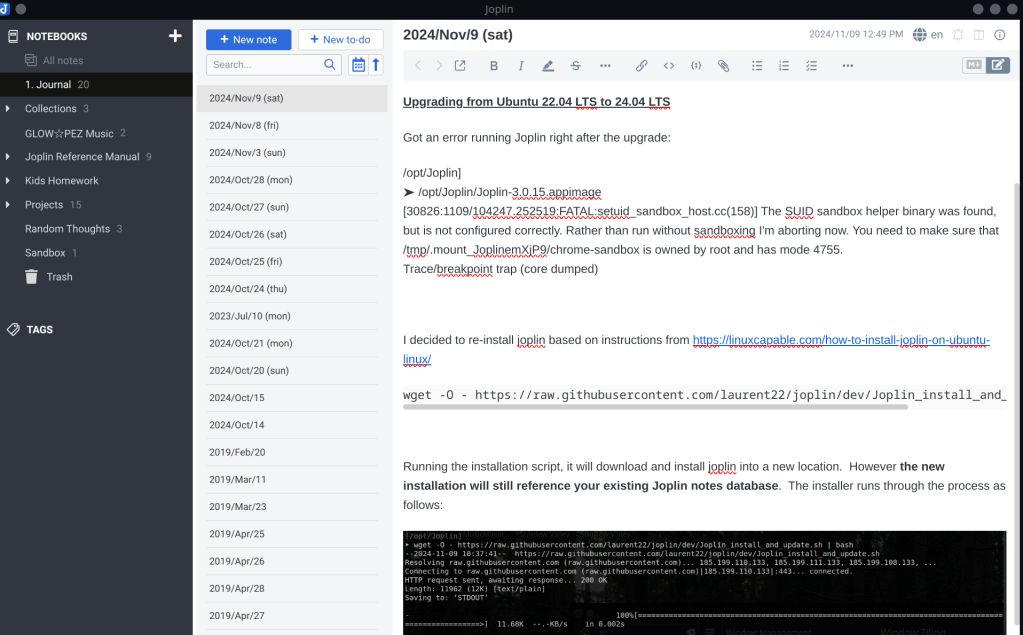
The newer v3.1.24 version of Joplin now works just fine on Ubuntu 24.04 LTS. If you’re having similar troubles with Joplin, give these steps a try. Hopefully it resolves your problem so you can get back to capturing all your awesome ideas in your own secure, offline Joplin database.
For further details on alternative installation options, take a look at How to Install Joplin on Ubuntu 24.04, 22.04 or 20.04, which is the reference I used for the steps above.
If you are are user of Joplin, or are just finding out about it now, I do hope you find this article useful.
Chers

 The DevOps Joint
Leave a comment