

If you ever need to do some quick iteration on a Markdown file, want rapid feedback, instead of (for example) having to wait until you do a ‘git push’ to GitHub in order to see the result, there is another way!
There is a really cool tool called Markdown Viewer, which is a Chrome browser extension. I’ve also confirmed that this works just fine with the Brave browser. You can get Markdown Viewer from the Chrome Web Store.
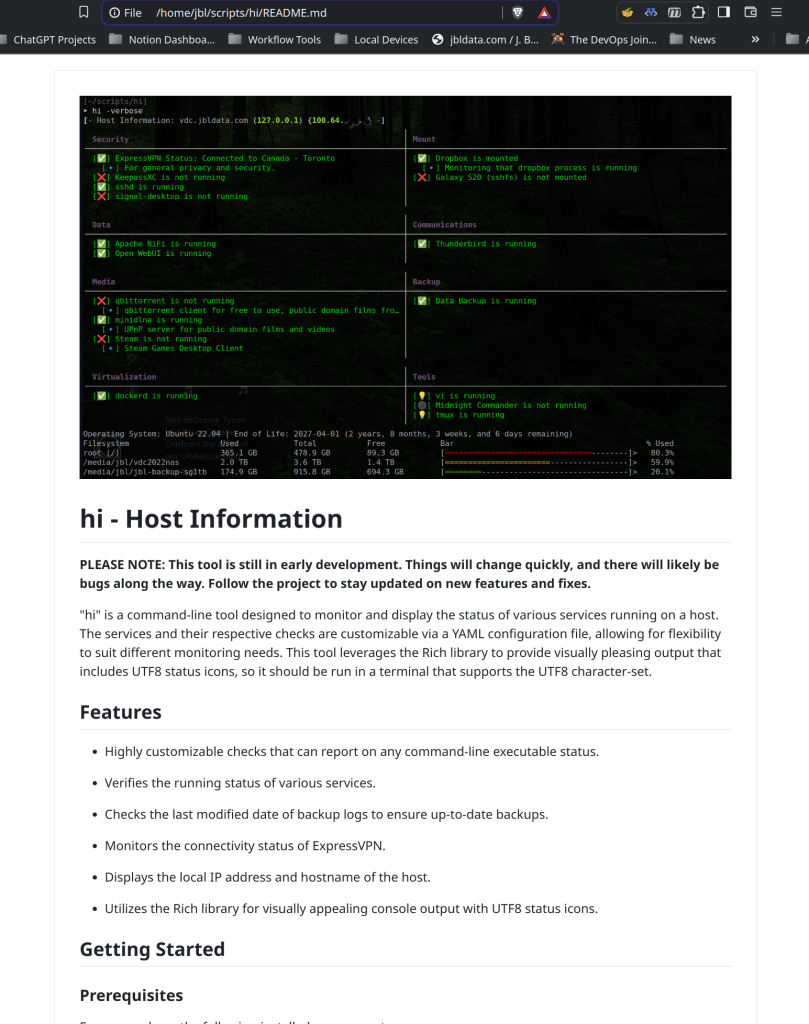
The tool is very easy to install and use. Here’s an example of viewing the markdown from my ‘hi’ tool github project from the browser on the local filesystem:
The tool is fairly simple, with minimal configuration settings as follows:
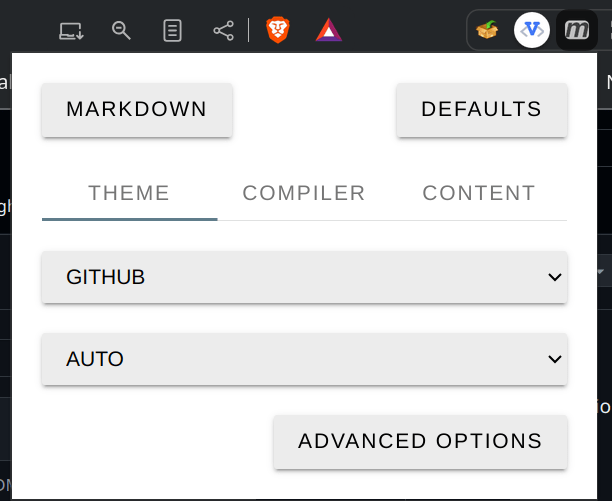
And “Advanced Options”

If you need to do some extensive work with markdown-formatted documents, this may just be the thing you were looking for!
Hope you find it to be as useful as I have!

 The DevOps Joint
Leave a comment